Project: Inventory Process & Dashboard Rollout
Managers were able to use the new dashboard with minimal support, improving their ability to track and troubleshoot inventory.
Role: Training Lead
Overview: I led the training for a new inventory process and dashboard rollout for kitchen leaders and above. The goal was to help teams better track inventory, troubleshoot issues, and ultimately reduce food waste.
The Challenge: This rollout introduced a new process and a new dashboard at the same time, which meant managers had to change how they were already doing things. Midway through the project, the SME changed, so I had to realign with a new perspective and adjust the training as the vision evolved.
My Approach: I focused on making resources that managers could actually use on the job—not just something they’d go through once and forget.
To make sure the training reflected real workflows, I:
Held working sessions and feedback meetings with SMEs
Iterated on materials using annotated PDFs
Talked with field leaders to understand how inventory really works across locations
Went to a restaurant and completed the inventory process alongside a manager
This helped make sure the training reflected what actually happens in a restaurant—not just what’s written down. I also completed the inventory process in a restaurant alongside a manager to make sure the training reflected real workflows.
Solution:
I created a set of resources to support both the rollout and ongoing use:
Inventory Guide: A step-by-step job aid that walks through the full process, including how to troubleshoot common issues
Dashboard Tutorial Video: A Camtasia walkthrough showing exactly how to navigate the dashboard and what to do in real scenarios
Launch Presentation: Used to introduce the process and align teams
Engagement Video: A short, more fun video to build awareness and get buy-in
My Contributions:
Designed the inventory guide, turning a complex process into clear, usable steps
Created the dashboard tutorial video (script, recording, editing) to walk through real scenarios
Directed the engagement video, shaping the concept and flow
Gave design feedback on the launch presentation to keep everything aligned
Partnered with SMEs (OpsEx, IT, Finance) to make sure content was accurate and practical
Did field research, including interviews and on-site observation, to ground everything in real workflows
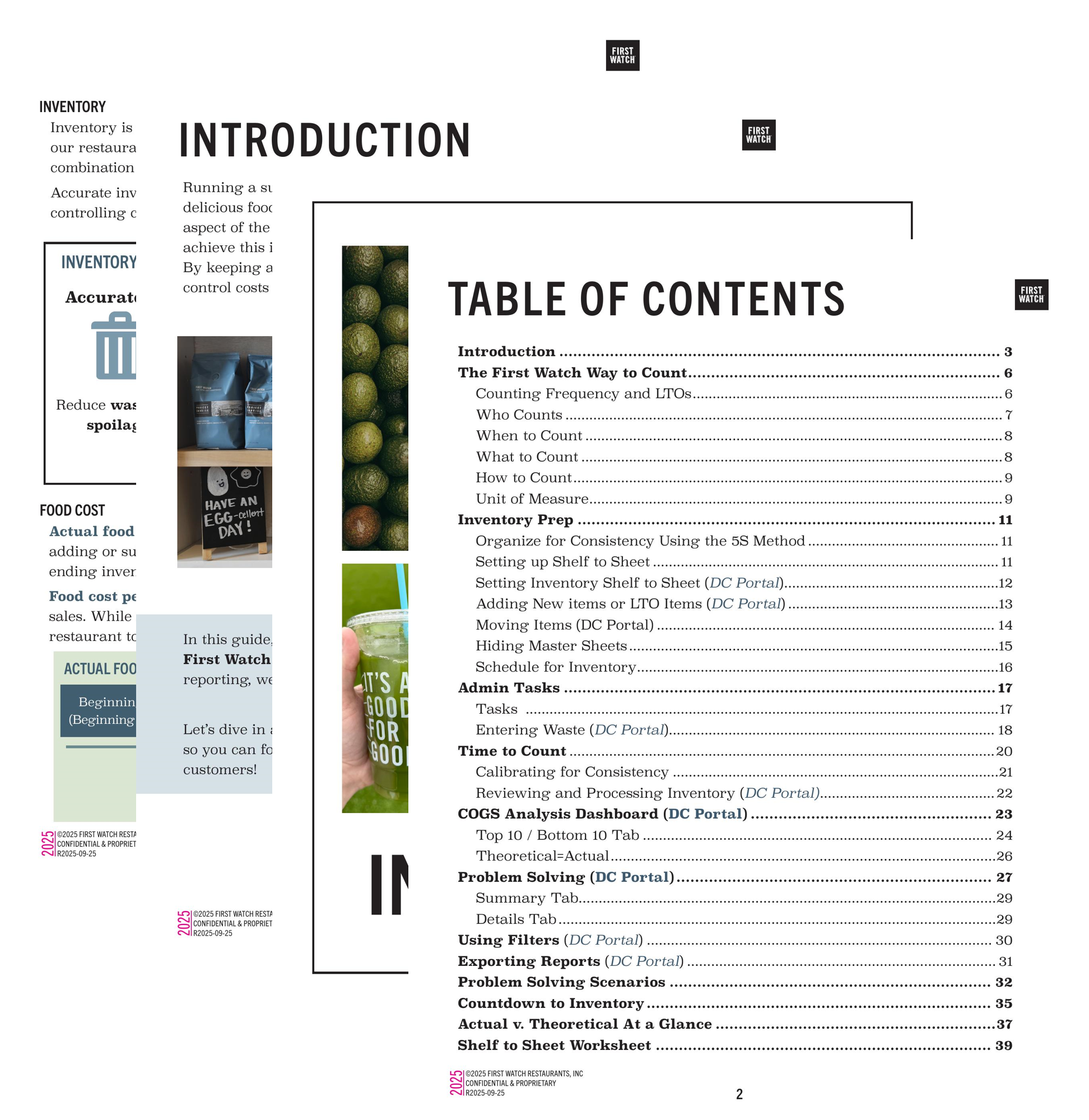
Sample: Inventory Guide Tool: Adobe InDesign
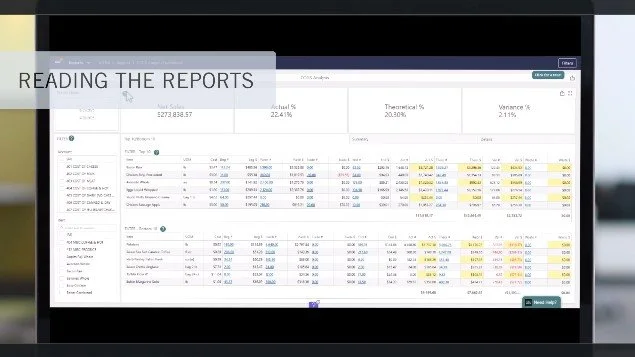
Sample: Dashboard Tutorial Video
Tool: Camtasia
Key Design Decisions:
Used video for the dashboard training so managers could see exactly what to do while walking through a scenario
Created a detailed guide to act as a go-to resource teams could keep using over time
Focused on hands-on application and clearly calling out what was changing for learners
Impact:
Managers were able to use the dashboard with little support
Teams could better monitor inventory and troubleshoot differences between actual and theoretical counts
Created resources teams can keep using for coaching, onboarding, and day-to-day support
What I’m Most Proud Of:
The inventory guide. It’s something teams can keep coming back to, whether they’re new or coaching someone else.
What I’d Improve:
If I had more time, I’d make the guide more interactive to make it even easier to use in the moment.